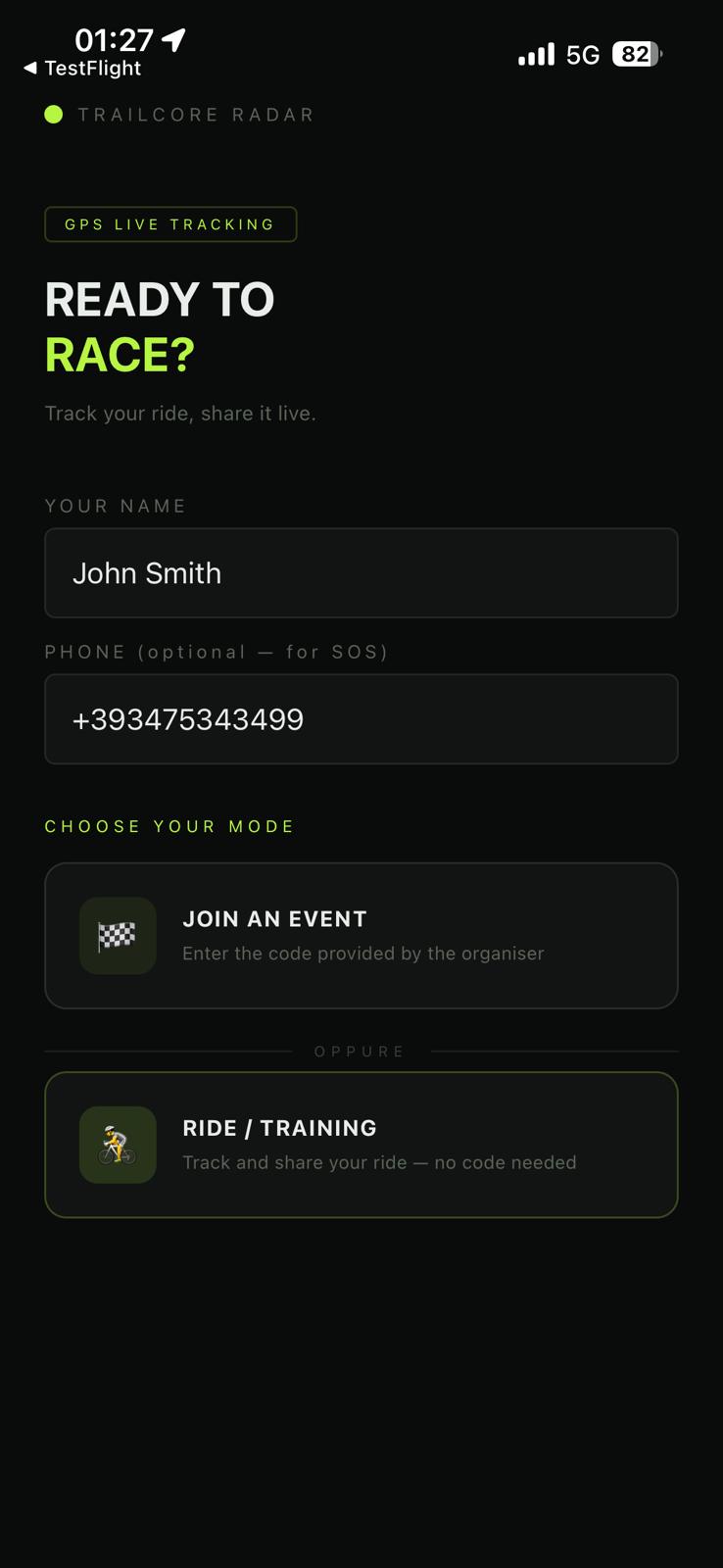
If you haven't done so already, enter your name and phone number on the main screen. The app saves them locally on your device and uses them every time you want — you won't need to re-enter them for future races, but you can change them at any time.
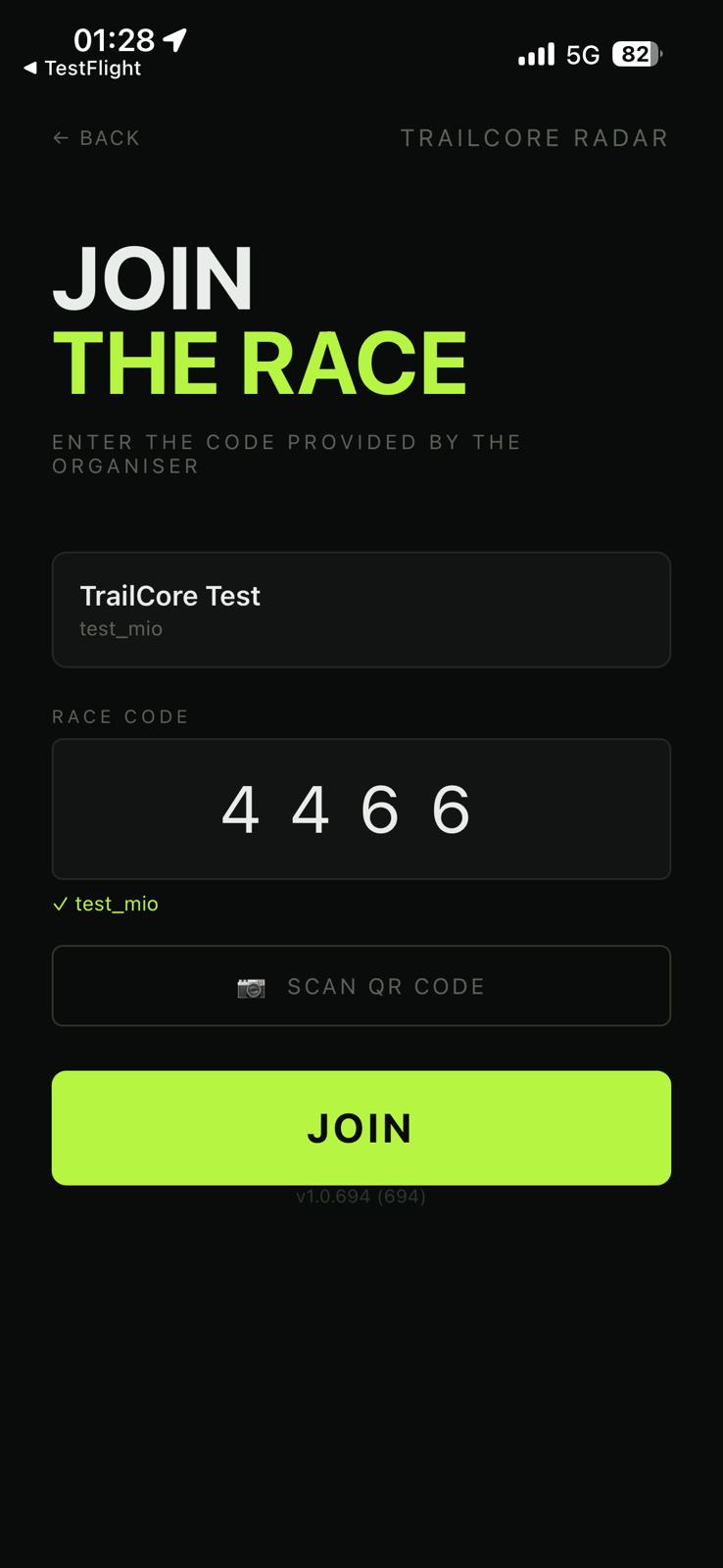
If you have chosen to join an event, type the 4-digit code you received from the organizer. The app immediately verifies the code and displays the race name.
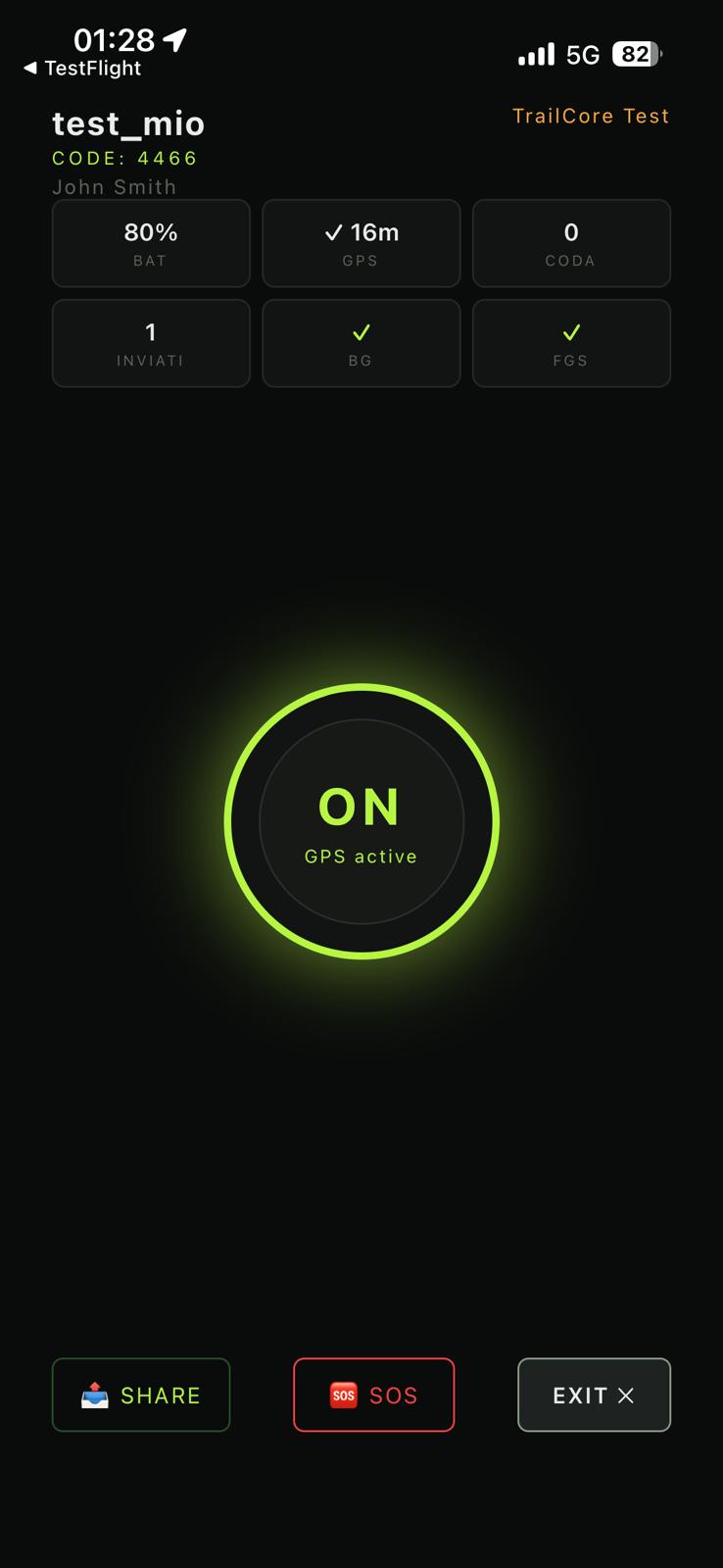
Turn on the Tracking Live (GPS) toggle to start tracking (red = off, green = on). The app begins collecting your location and sends it to the organizer in real time. The chips at the top show race time, D+ (elevation gain from GPS) and BAT (estimated remaining battery life). Use INVITE to send your tracking link to your supporters.
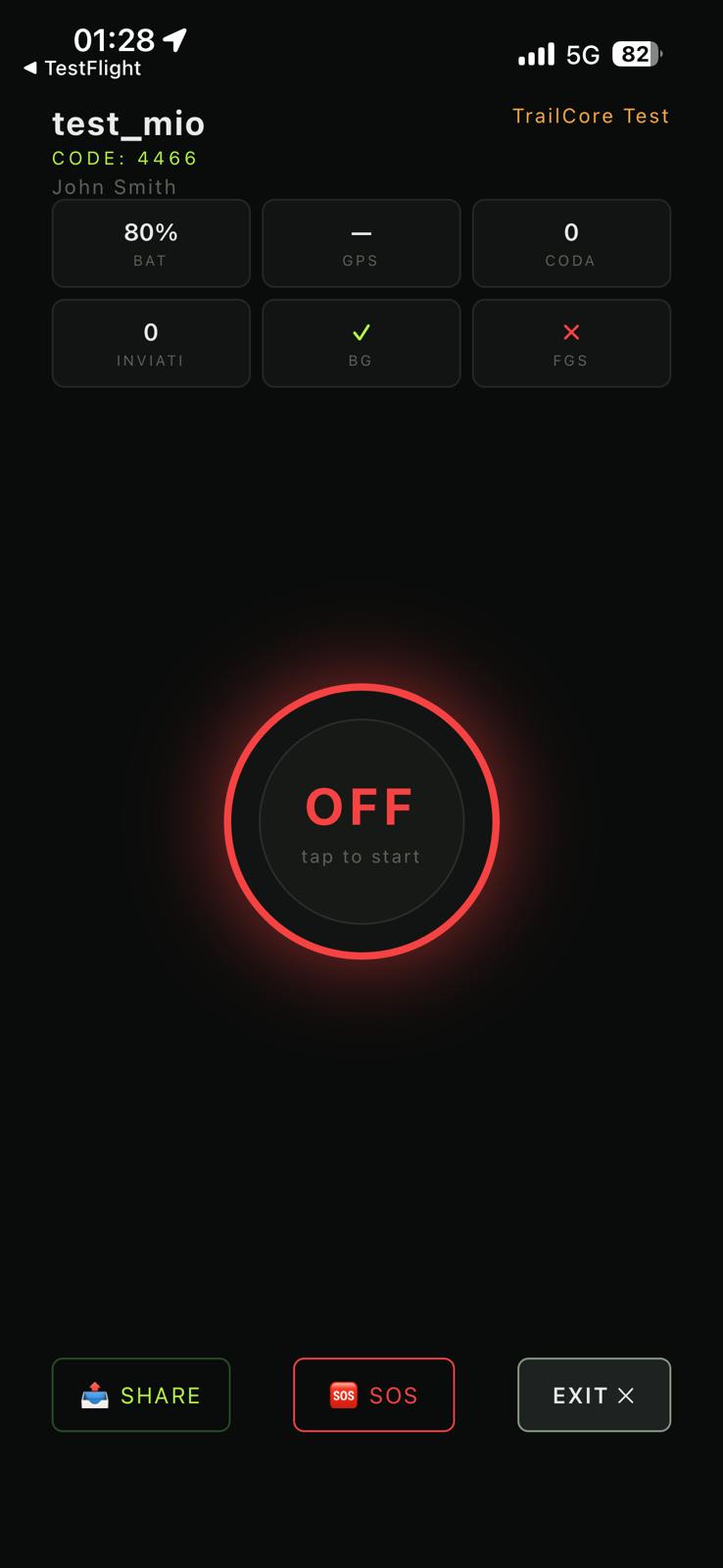
Tap EXIT at the bottom right. Choose whether you have reached the finish line or are abandoning the race. The app sends one final update and closes.
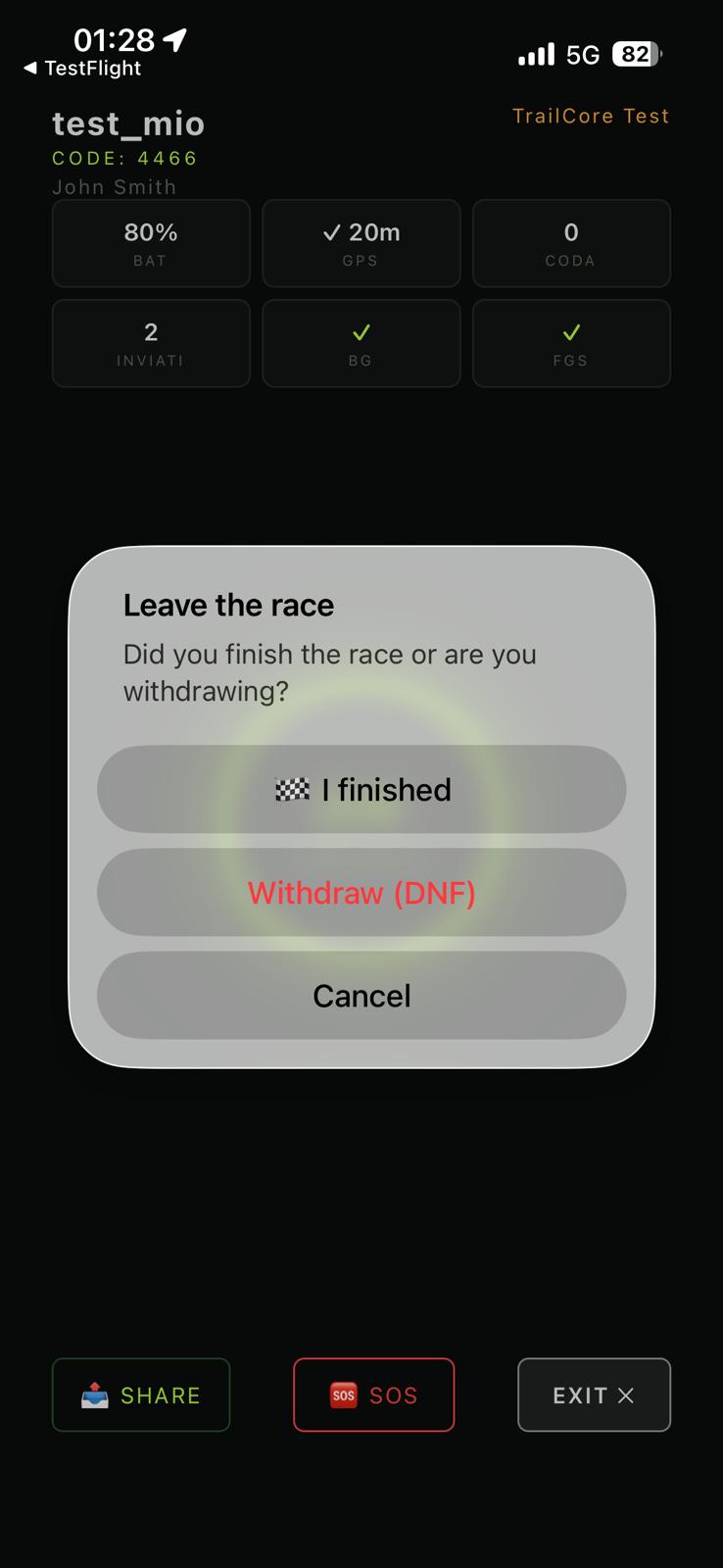
Abandon (DNF) → signals that you have dropped from the race.
In both cases your data is sent before closing.